Custom Backgrounds in Pro Management Portal

Custom Backgrounds Arrive in Pro Management Portal (PMP) + Neat Pulse Room Messaging Update
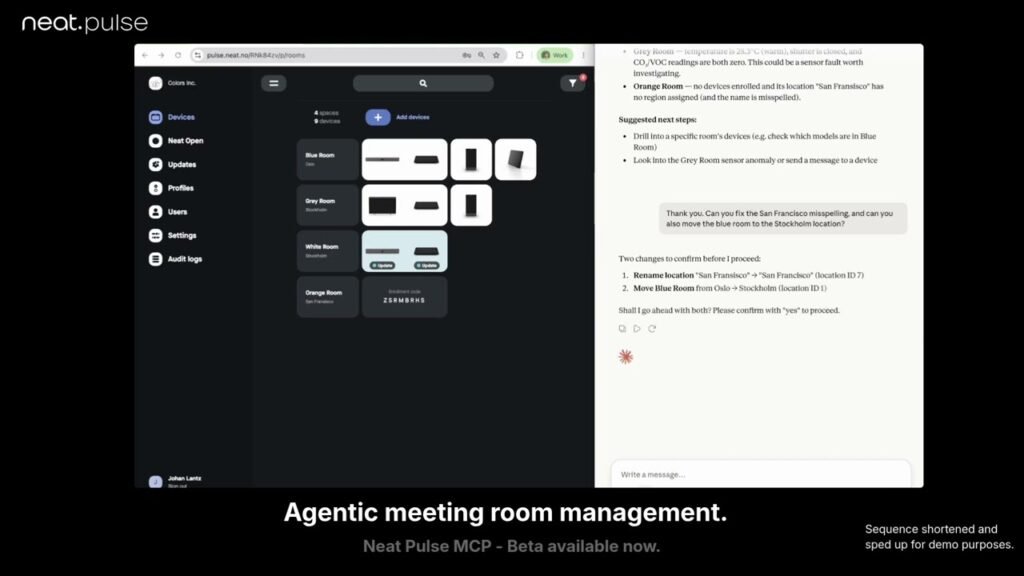
This episode covers the final missing feature in Pro Management Portal (PMP) migration: custom backgrounds, now available for tenants as of October 15. It shows how to upload and apply wallpapers for front-of-room displays, left/right screens in dual display setups (with guidance on primary vs. secondary screen layout), center console, and considerations for 1080p vs. 4K devices and file sizes. The video also demonstrates adding background theming to templates and applying templates to rooms, with a note to clean up PMP and Teams Admin Center when resetting devices. Additionally, it highlights a new Neat Pulse tool to send timed room messages to the front display and controller and indicates it can report whether someone in the room saw the message. Finally, it notes GCC High migration is still pending for some features but is nearing completion toward full PMP control.
00:00 Custom Backgrounds Arrive
00:46 Remote Control Walkthrough
01:46 Uploading Wallpapers in PMP
02:25 Dual Screen Layout Tips
03:08 Add Backgrounds to Templates
04:00 Pulse Room Messaging Feature
04:56 GCC High Migration Status
05:36 Wrap Up and Next Steps